The BAD TIMES trend, in your Halloween costume
Upload one photo and pick a costume. You have the whole viral argument with the camera as a vampire, witch, zombie or skeleton — your face, the costume's makeup — in a room decorated for Halloween.
- Vampire, witch, zombie, skeleton
- One photo
- No prompt
- 30 s · 9:16 · with the song
- Failed renders refunded
- No subscription, credits never expire
- Secure checkout with Stripe
Only use everyday photos of yourself or friends who agreed to be featured. Photos of politicians, celebrities or other public figures, and film or MV stills, raise likeness-rights and legal issues and are rejected in review.
Only upload photos of people who agreed to be featured.
Bad Times Halloween at a glance
Bad Times Halloween puts one photo into the BAD TIMES argument in a costume you pick (vampire, witch, zombie, skeleton or your own) and a room decorated for Halloween. 30 s, 9:16, with the song.
- Photos
- 1 photo
- Who can be in it
- People only, no pet photos
- Length
- About 30 seconds
- Format
- 9:16 MP4
- Quality & price
- Premium 480p 55 · 720p 120 · 1080p 205 credits; Balanced from 15
- Without an account
- One video from $7.99, paid at checkout
- Sound
- Original song included, synced
- Watermark
- None
- Render time
- Usually a few minutes
- If it fails
- Refunded automatically (credits or payment)
- Privacy
- Private; your photo is deleted 30 days after the video
Last updated
What is the Bad Times Halloween video?
It's the original BAD TIMES argument as a Halloween bit: the same moves, camera and timing, but you're in costume and the room is decorated for the night — pumpkins, cobwebs, candles.
Pick a costume and the video dresses you in it with its makeup, keeping your face and hair; pick "my own costume" to keep what your photo already shows. It stays playful: no blood or wounds, and nothing covers your mouth, so the lip-sync still works. Premium makes the whole 30-second take; Balanced makes its first 15 seconds for fewer credits.
How to make the Bad Times Halloween video
- 01
Add one photo and pick a costume
A clear photo of yourself, face toward the camera. Then pick vampire, witch, zombie, skeleton or your own costume.
- 02
Pick a version and generate
Premium makes the whole 30-second take: 55 credits at 480p, 120 at 720p and 205 at 1080p. Balanced makes the first 15 seconds from 15 credits. Failed renders are refunded automatically.
- 03
Download or share
Your video is ready in a few minutes as a vertical MP4 with the song, ready for TikTok, Reels or Shorts.
Photos that work best in costume
Faces clearly visible
Eyes and mouth sharp and toward the camera, good light, no sunglasses. The lip-sync needs a face it can read.
Already dressed up?
Pick "my own costume" to keep the outfit and makeup in your photo. A mask over your face is pushed up so the lip-sync works.
Good light
Daylight or a bright room. Dark photos blur faces and lose the likeness.
One person
One person per photo, so it's clear who gets the costume.
More viral templates
Same idea, a different trend. Every template keeps the original moves and adds the song.

Money Flex
New1 photo · ~15 s · 9:16
Hug a chain of cash, throw it at the camera, rip a bundle open and peek over a fan of bills.
Try this template →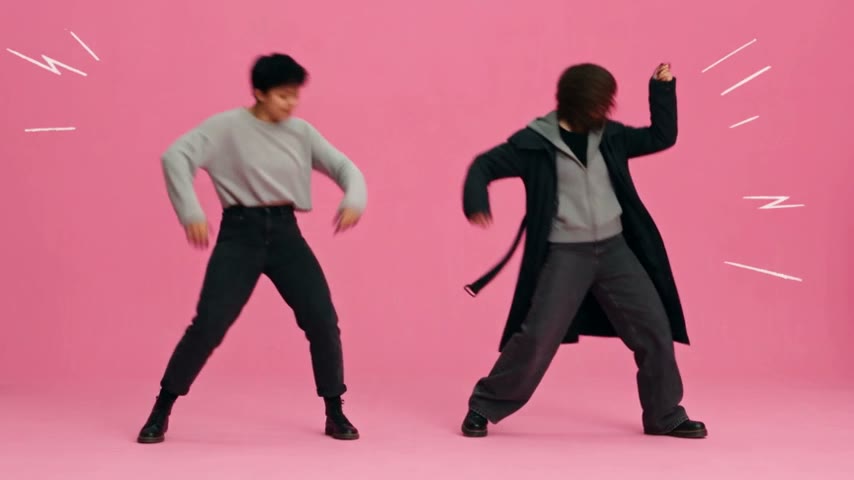
APT. Pink Studio
2 photos · ~26 s · 16:9
The APT. music video in a pink studio: one friend on the drums, one on the mic. With the song, from two photos.
Try this template →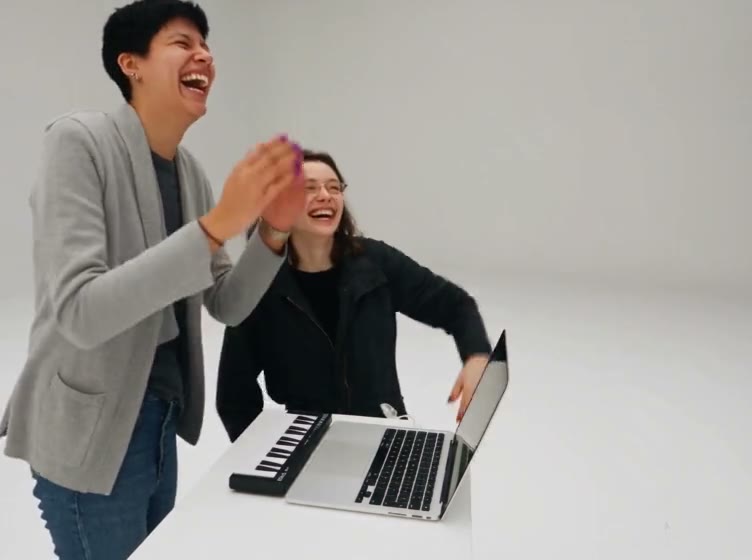
Alors on danse
2 photos · ~27 s · 4:3
A keyboard jam in a white studio, a laugh into the camera, and a run-off ending. With the song.
Try this template →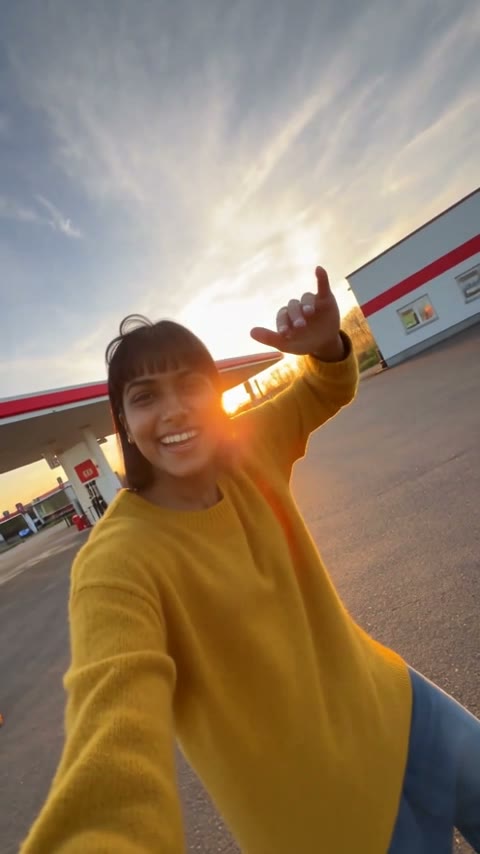
Gas Station Dance
3 photos · ~20 s · 9:16
An opening dance, a sunset selfie and a sports-car entrance at a gas station — vertical, from three photos.
Try this template →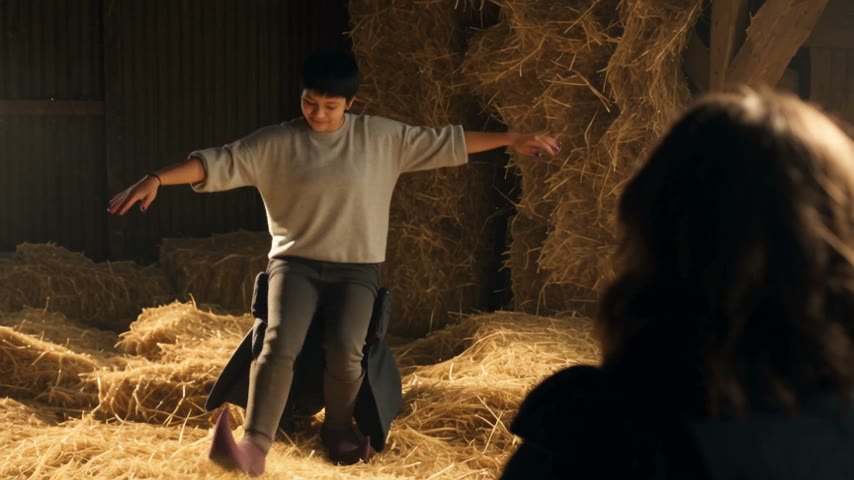
Rumpelstiltskin
2 photos · ~12 s · 16:9
A shush, a sly grin and a tiptoe dance in pointy curled shoes in a hay-filled barn while a friend tries not to laugh.
Try this template →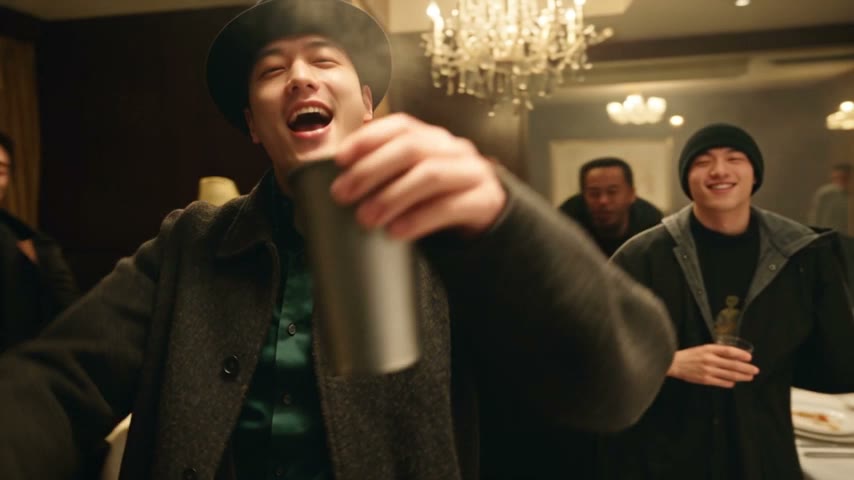
Burning Bridges
1 photo · ~25 s · 16:9
Drake's "Where she at?" party: a black hat, a silver cup and a hand over the eyes under crystal chandeliers.
Try this template →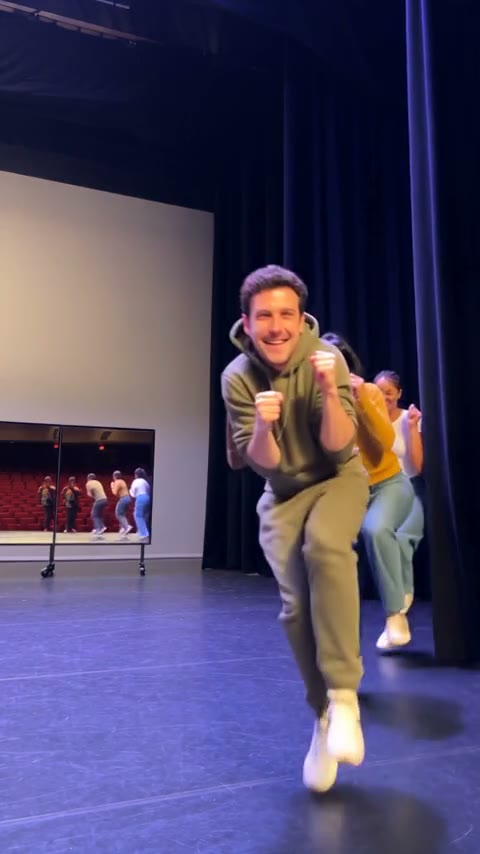
Toc Toc Dance
1–3 photos · ~10 s · 9:16
Lead the viral Toc Toc dance line: fists knocking at the chest, one-foot hops, everyone charging the camera.
Try this template →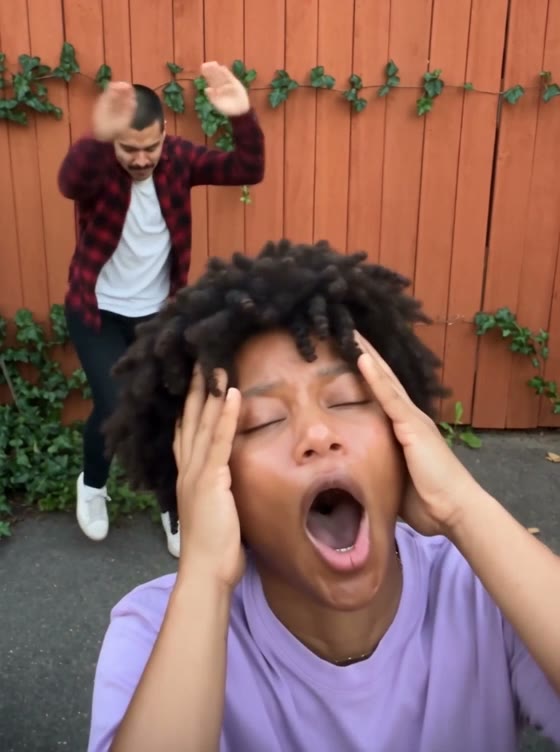
Smalltown Boy
2 photos · ~21 s · 3:4
Two friends take turns screaming into a wide-angle lens, dance side by side, then lunge at the camera together.
Try this template →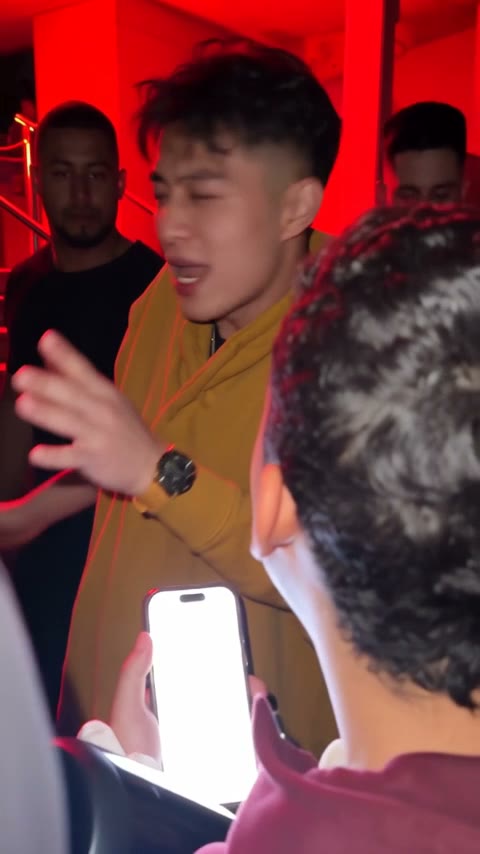
Bulin 47
1 photo · ~15 s · 9:16
Take Bulin 47's place in the viral freestyle: a red-lit entrance, a portable speaker and a crowd filming on their phones.
Try this template →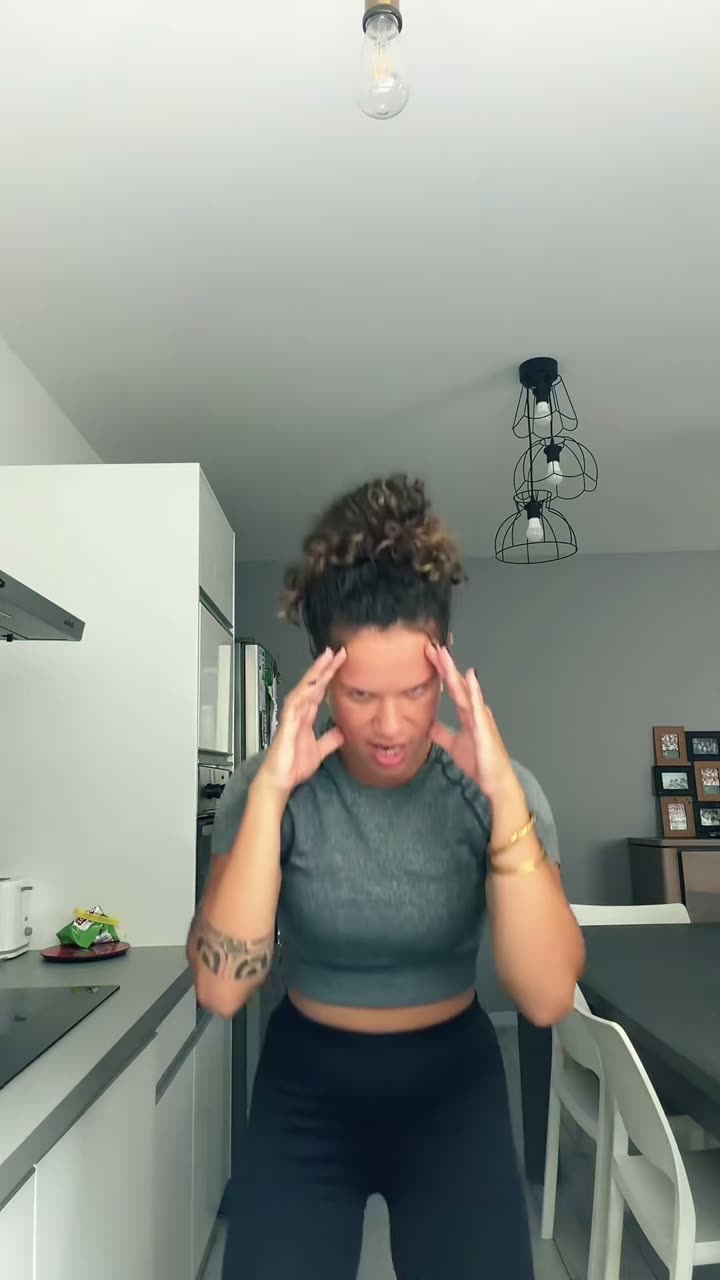
Bad Times
1 photo · ~30 s · 9:16
Have the viral BAD TIMES argument with the camera — head in hands, "hold on" palms, the lunge at the lens. You or your pet.
Try this template →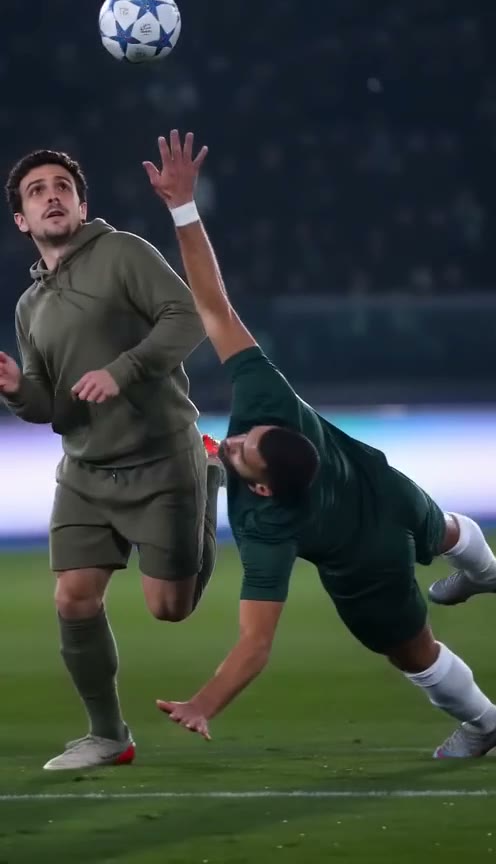
Ozil AI Goal
1 photo · ~15 s · 9:16
Score the viral Ozil goal: chip the keeper, let two defenders slide past and finish under the floodlights, in your own clothes.
Try this template →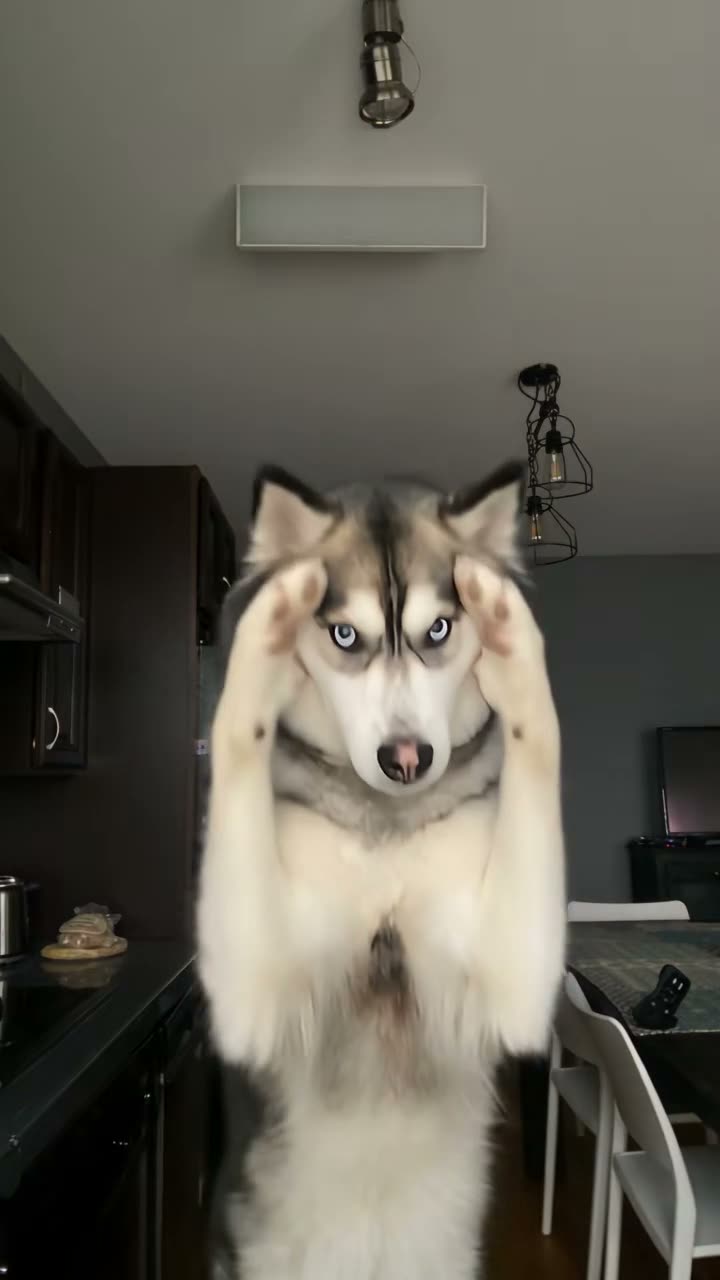
Bad Times Dog
1 photo · ~30 s · 9:16
Your dog or cat stands up and argues with the camera — paws up, pointing, lunging at the lens — on a husky's take of the trend.
Try this template →
Bad Times Toddler
1 photo · ~26 s · 9:16
Your own toddler takes over the argument: a pointing finger, a little "stop" hand, a shrug and a giggle.
Try this template →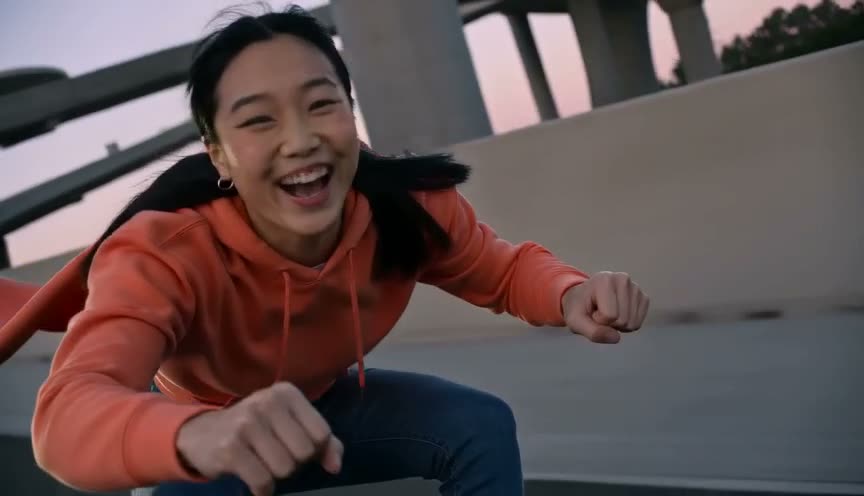
Crazy Frog AI
1–3 photos · ~18 s · 16:9
Sit in the air over a dusk highway, fists forward, while a rider chases you — just you, a friend, or plus your car.
Try this template →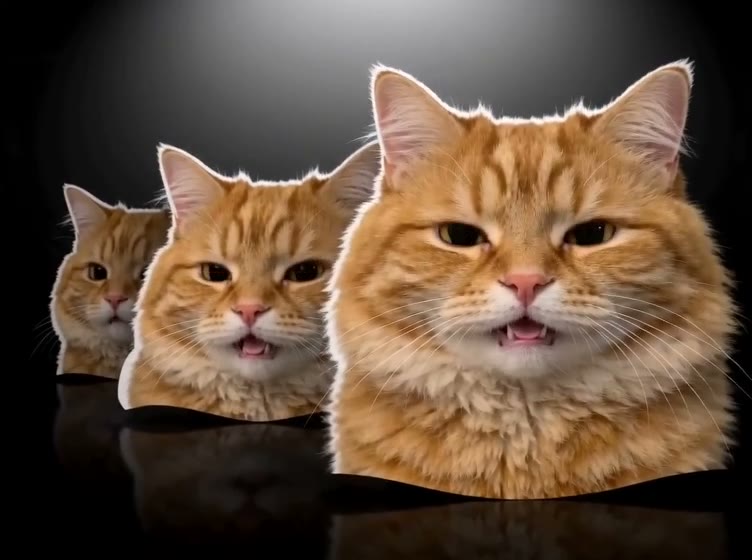
Head Bop
1 photo · ~12 s · 4:3
Four cut-out heads in a row bop to a heavy beat on a black backdrop — every one of them your cat, dog or you.
Try this template →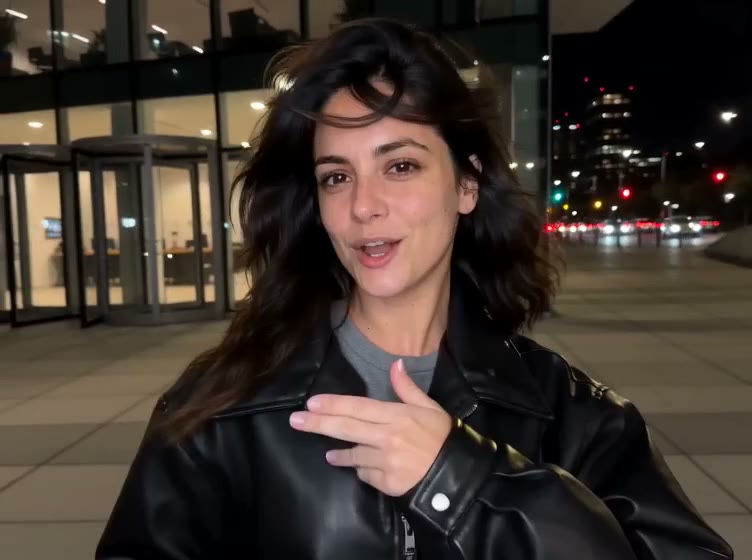
Devil Wears Prada
1 photo · ~15 s · 4:3 / 9:16
Lip-sync at home, push two white panels shut, then cut to a night street in a black leather jacket.
Try this template →
Ramalama Walk
1 photo · ~14 s · 9:16
Strut toward the camera, whip up on the whisper and reveal your Halloween costume.
Try this template →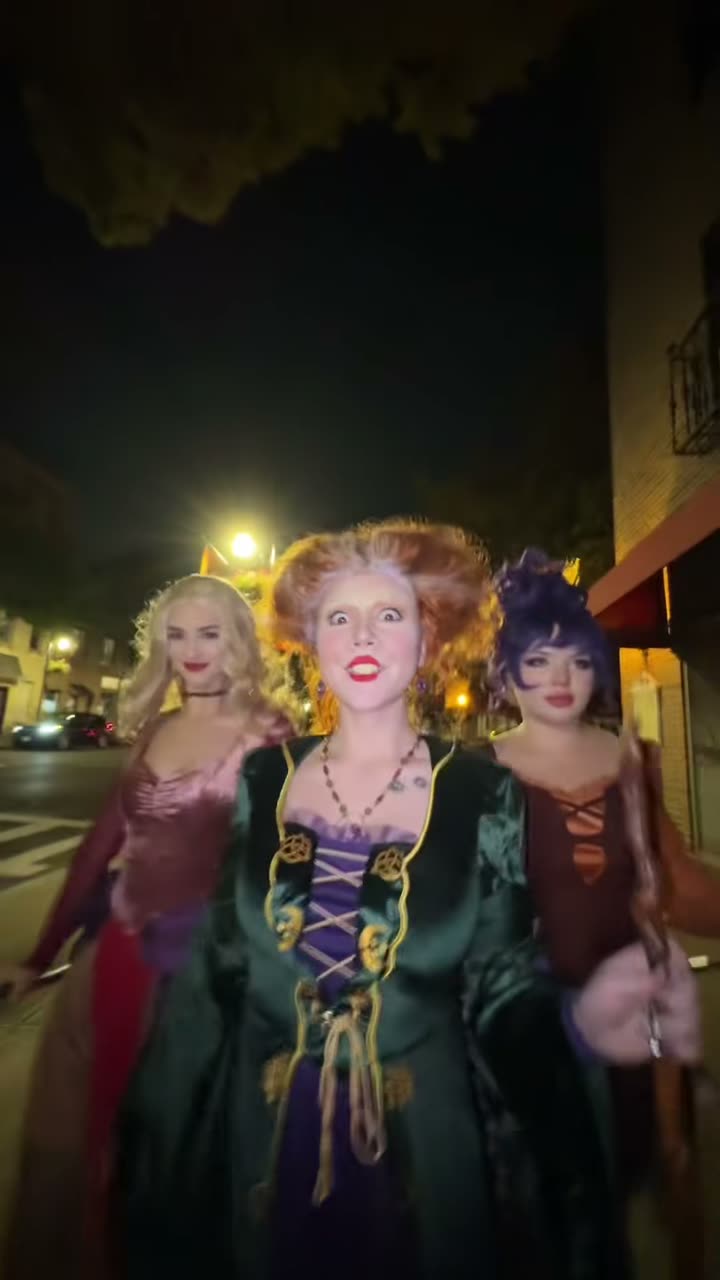
Ramalama Squad
2–3 photos · ~15 s · 9:16
Walk a night street with 2–3 friends in matching costumes, then each gets a close-up wave.
Try this template →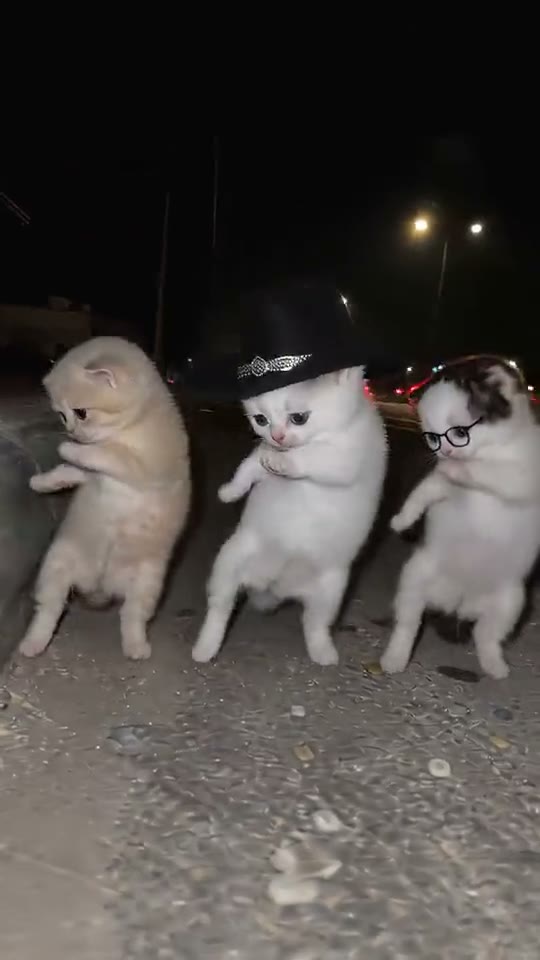
La Calabaza Dance
1 photo · ~14 s · 9:16
Three copies of your pet stand up on a night roadside and dance in sync to the pumpkin song.
Try this template →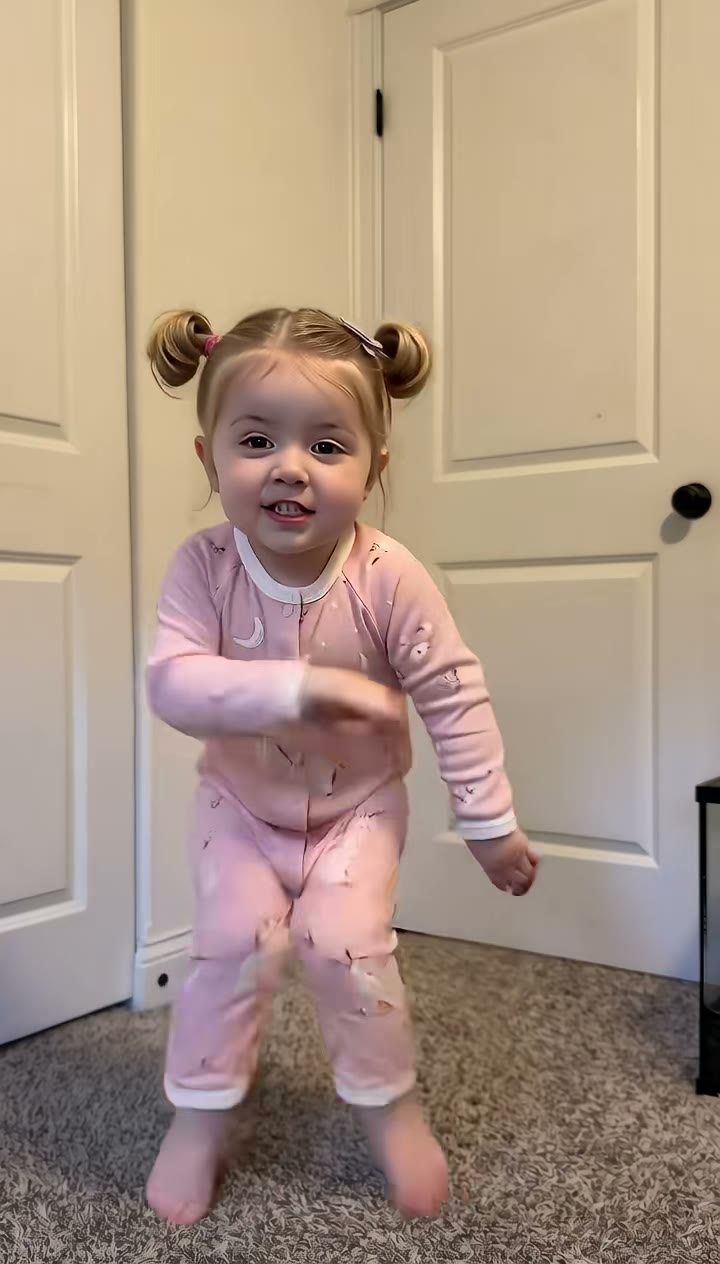
Bulin 47 Baby
1 photo · ~15 s · 9:16
Your own baby dances to "Dame Hombro": knee bounces, shrugs, a giggle and a shy smile.
Try this template →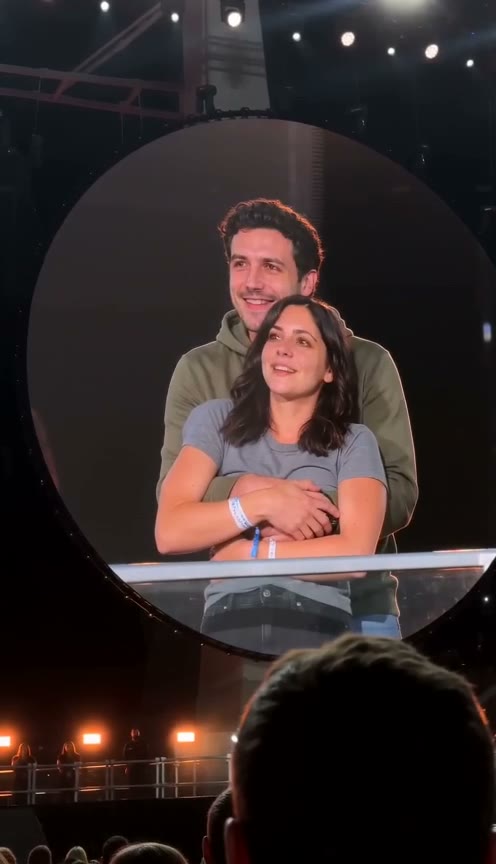
Coldplay Kiss Cam
2 photos · ~11 s · 9:16
You two hug on a stadium jumbotron, then one hides their face and the other ducks.
Try this template →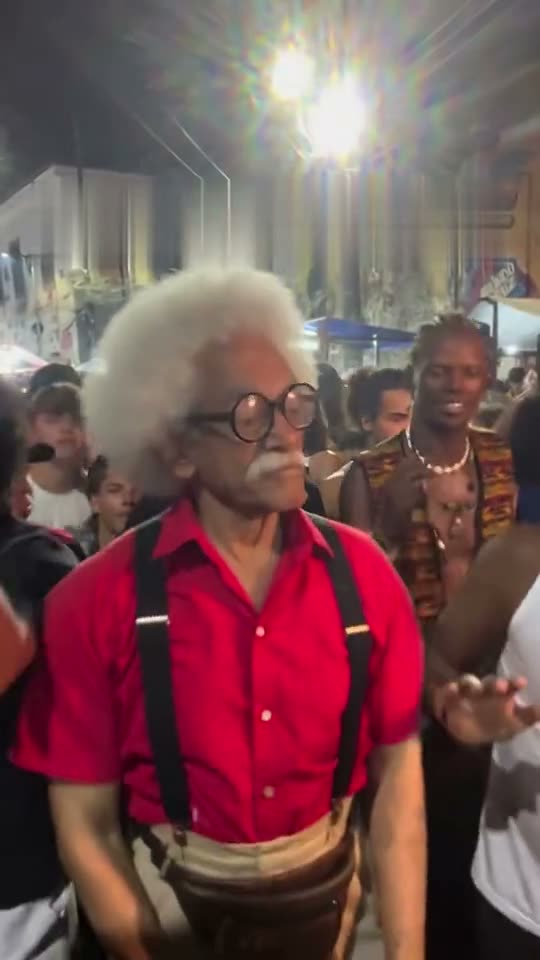
Charme Dance
1 photo · ~28 s · 9:16
Dance the smooth charme side steps in a packed Rio street party at night, like the viral AI grandpa.
Try this template →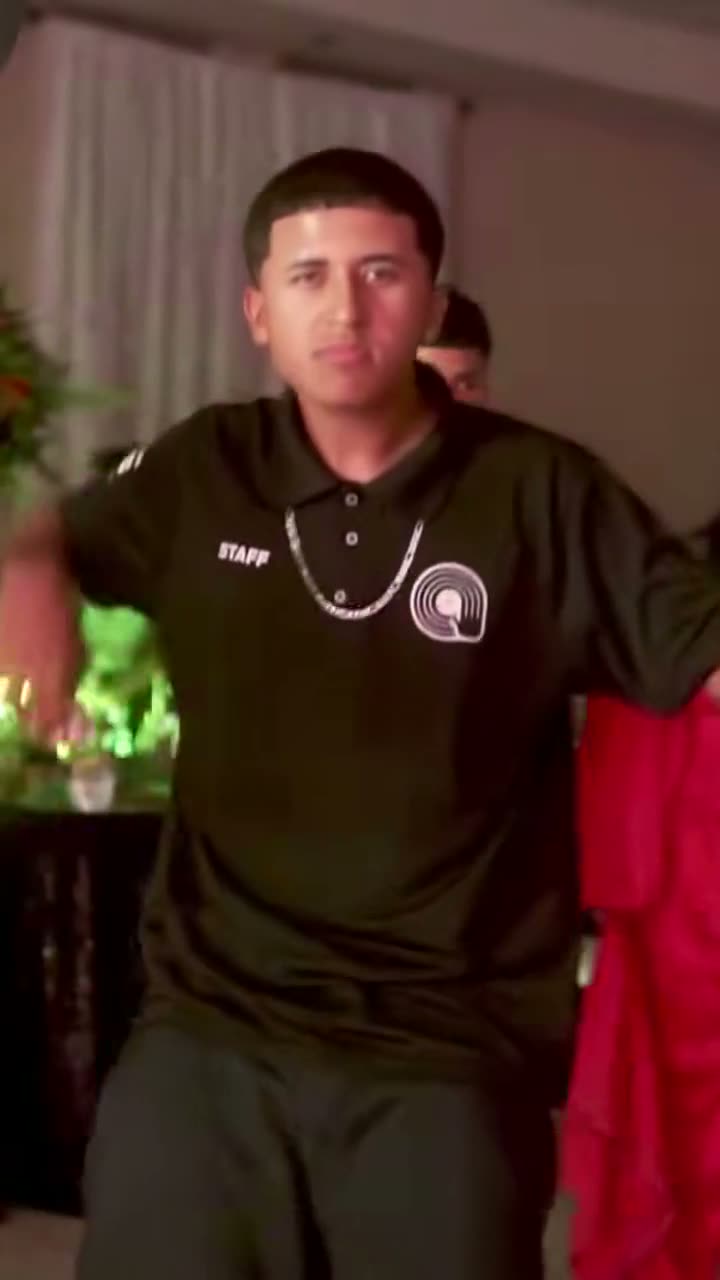
Dime Dime Baby
1 photo · ~9 s · 9:16
Dance into a quince party, bite a concha and stare down the camera while you chew, to BbY WOW.
Try this template →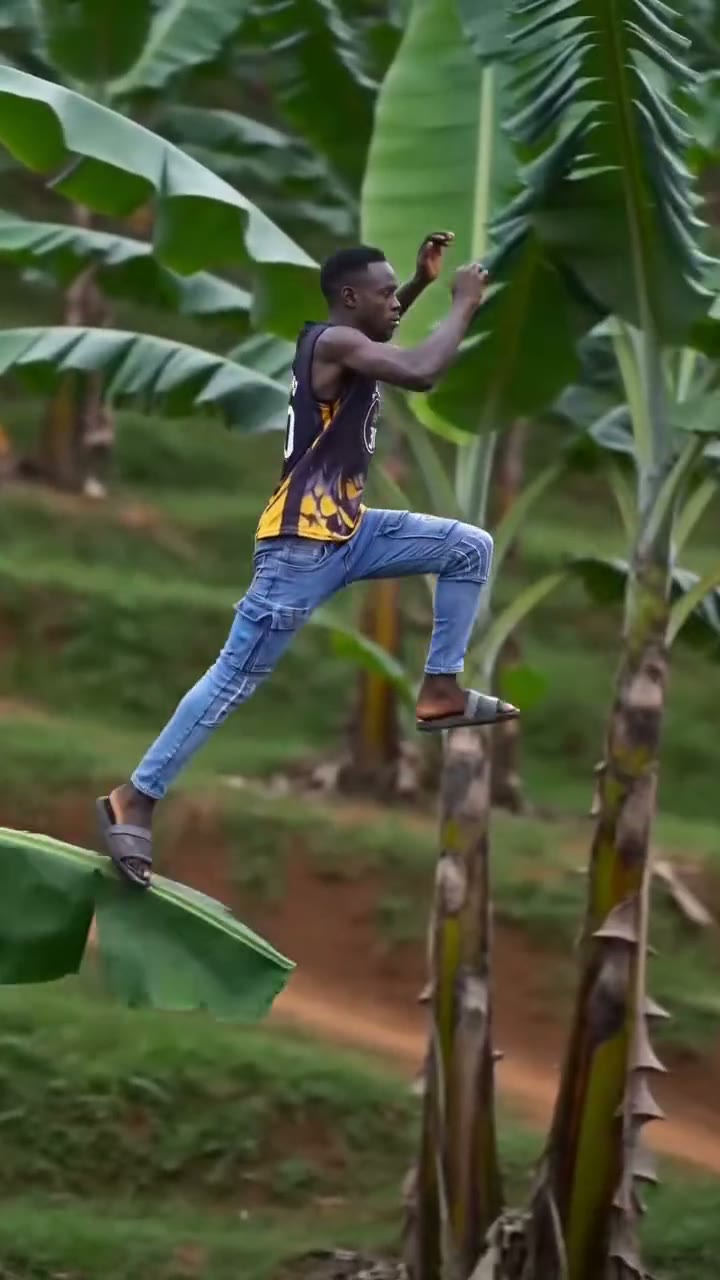
Banana Tree Run
1 photo · ~11 s · 9:16
Sprint and leap across the tops of giant banana plants on a hillside, leaf to leaf, never touching the ground.
Try this template →
Money Flex Dog
1 photo · ~15 s · 9:16
Your dog or cat stands behind the dresser and flexes a chain of cash, like the clip that started it.
Try this template →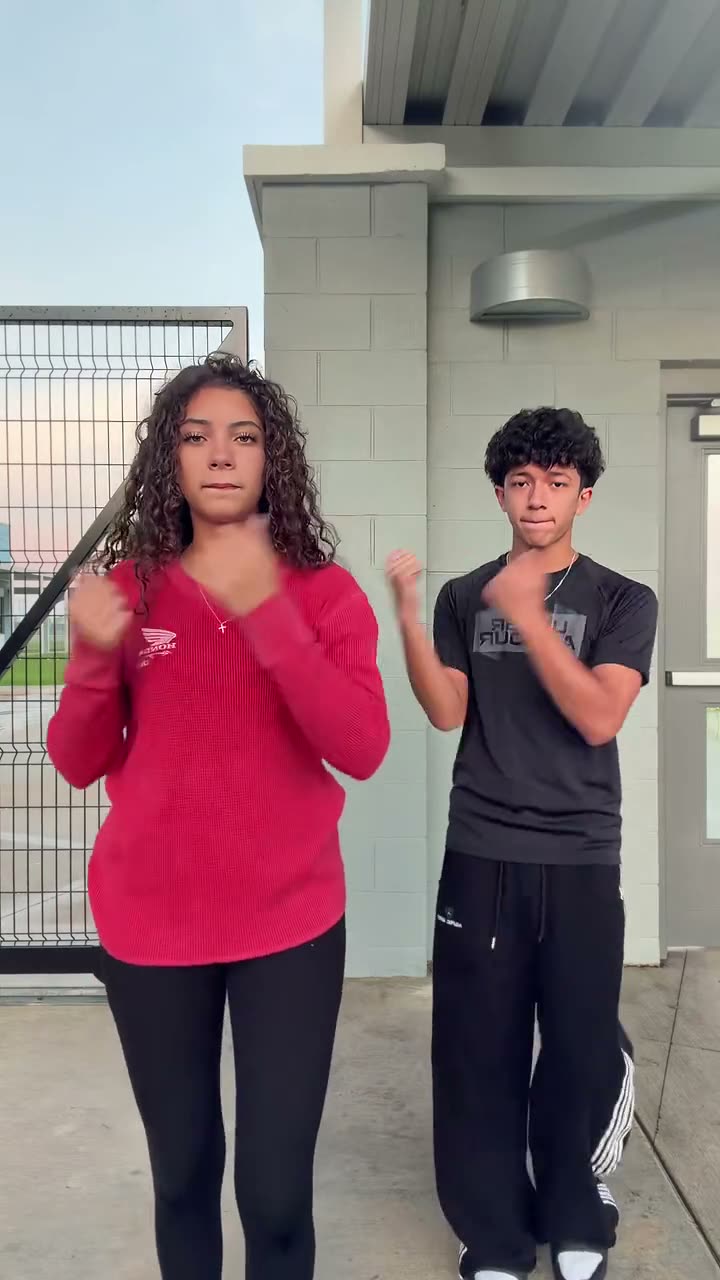
Can I Ride
2 photos · ~10 s · 9:16
You two do the viral Can I Ride duo dance side by side, with the song.
Try this template →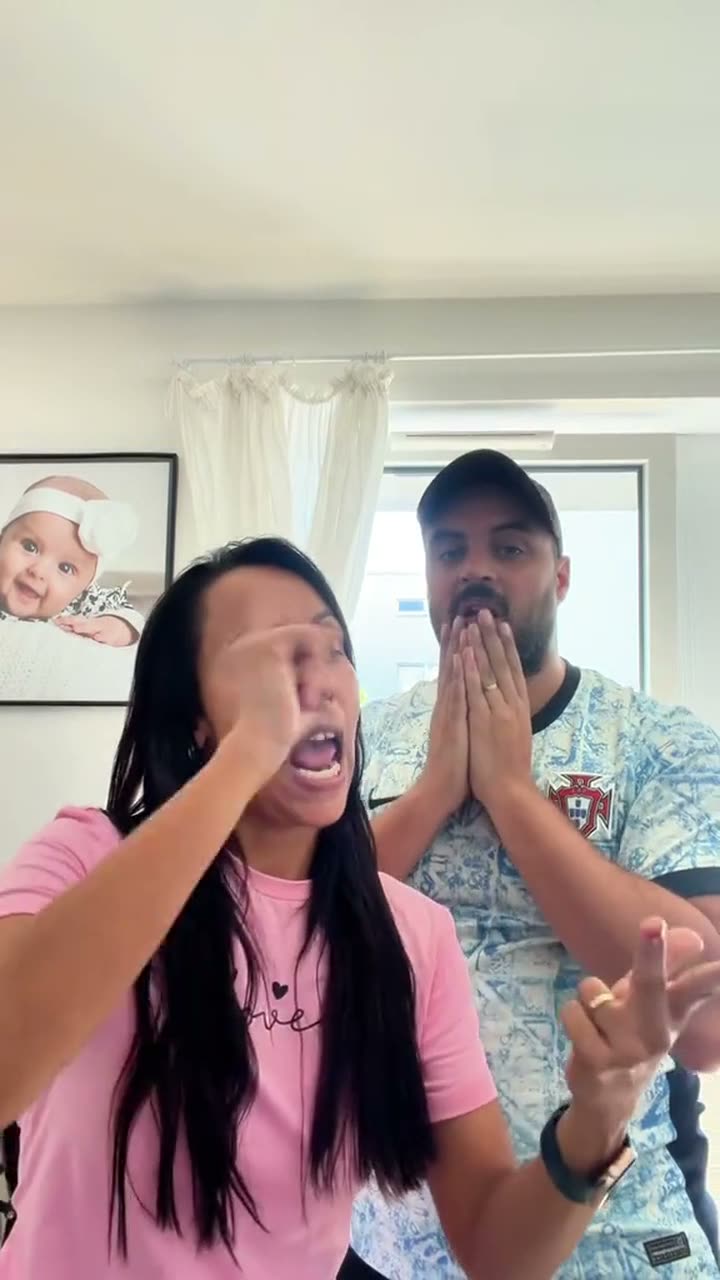
Bad Times Couple
1–2 photos · ~30 s · 9:16
Two of you on the BAD TIMES trend: one argues at the camera, the other reacts behind.
Try this template →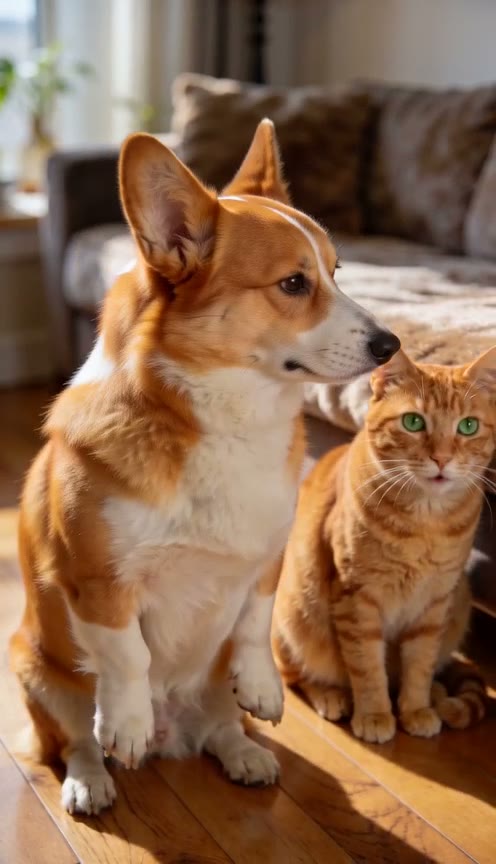
Bad Times Two Pets
2 photos · ~30 s · 9:16
Two pets on the BAD TIMES trend: one stands up and argues, the other watches.
Try this template →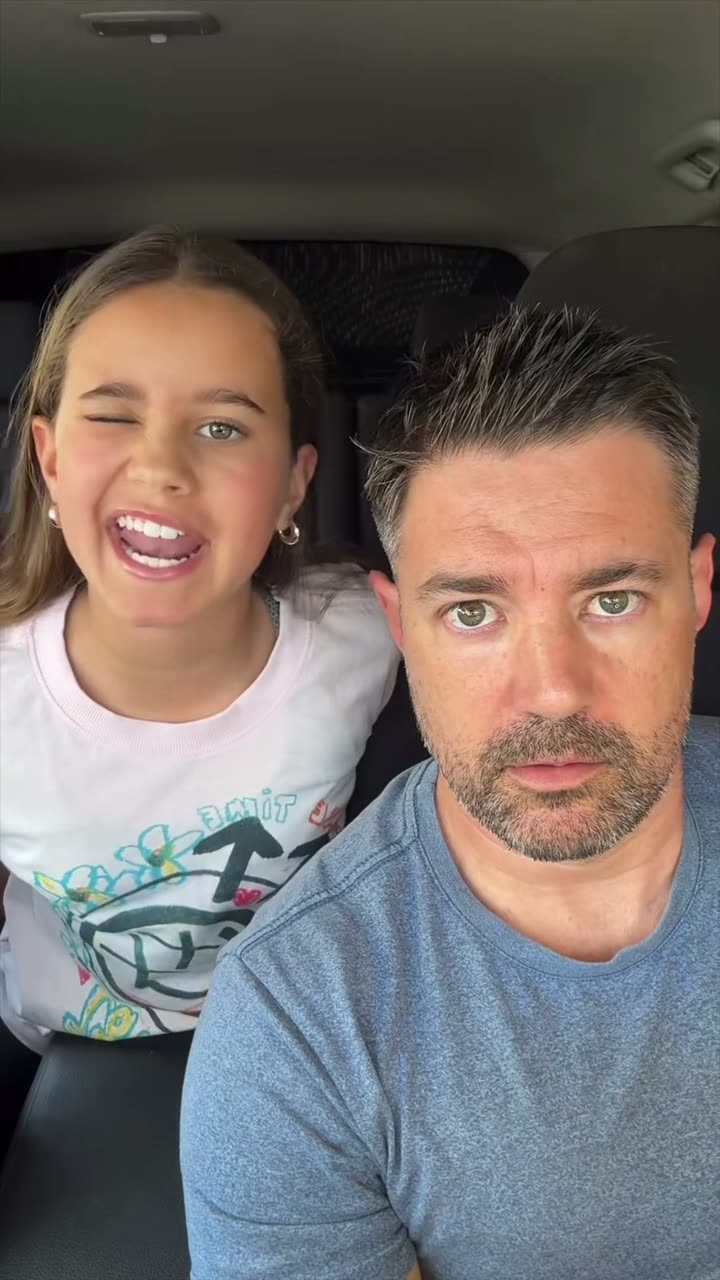
Bad Times Family
1–2 photos · ~30 s · 9:16
You and your child on the BAD TIMES car take: they sing, you keep a straight face.
Try this template →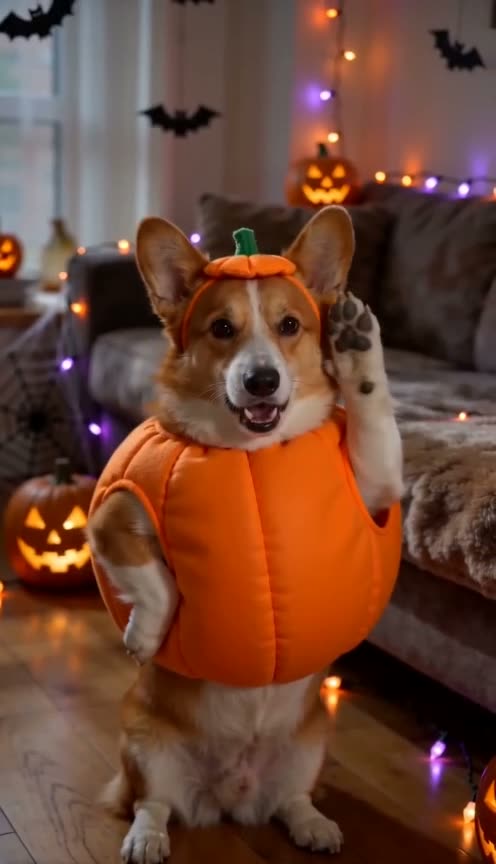
Bad Times Dog Halloween
1 photo · ~30 s · 9:16
Your dog or cat argues with the camera as a pumpkin, vampire, witch or skeleton.
Try this template →
Bad Times Halloween video: FAQ
The viral BAD TIMES argument as a Halloween video: you argue with the camera, lip-syncing Imael Angel's "BAD TIMES", in a costume you pick and a room decorated for Halloween.
Vampire, witch, zombie and skeleton, each with its own makeup, or your own costume from the photo.
Yes. Pick "my own costume" and the video keeps the outfit and makeup your photo shows. A mask covering your face or mouth is pushed up so the lip-sync works.
Yes, on the Bad Times dog Halloween version: your dog or cat in a pumpkin, vampire, witch or skeleton outfit.
Premium makes the whole 30-second take; Balanced makes its first 15 seconds. Both are vertical 9:16 MP4s with the song, ready for TikTok, Reels and Shorts.
Premium makes the whole 30-second video: 55 credits at 480p, 120 at 720p and 205 at 1080p. Balanced makes the 15-second highlight from 15 credits. Your account's first full 480p video costs just 20 credits. There's no watermark, and failed renders and rejected photos are refunded automatically. No account needed: you can also buy a single video at checkout from $7.99, refunded automatically if it fails.
Not free, but there's no subscription either. Without an account, one video costs from $7.99 at checkout. With an account, a video starts at 15 credits (credit packs from $9.90; credits never expire), and your account's first full 480p video costs just 20 credits. No watermark, and failed renders are refunded automatically.
No. Your photos and videos are private: we never publish them, show them to other users or use them in our examples or marketing. Only you can see them in your history.
Yes. Imael Angel's "BAD TIMES" is added under your video in time with the moves, so it's ready to post.
Dress up and argue
One photo, one costume, and you're arguing with the camera on Halloween night.