New template · one photo · transition trend

Devil Wears Prada Trend AI: the glow-up from one photo

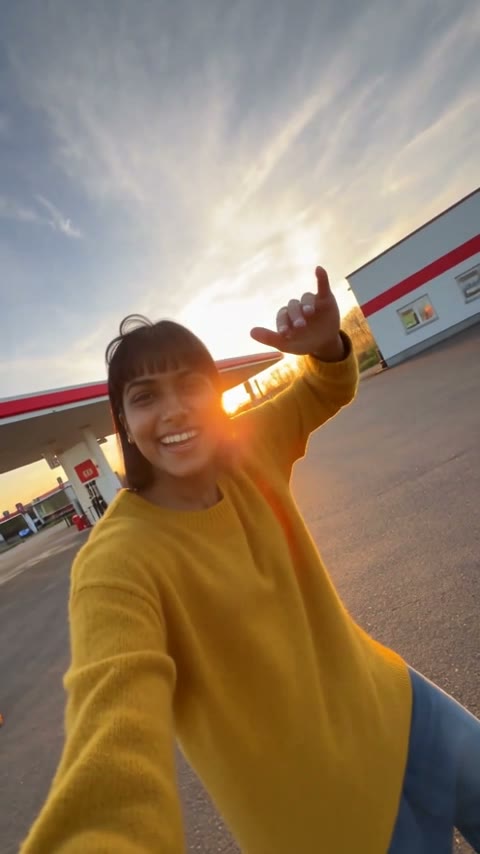
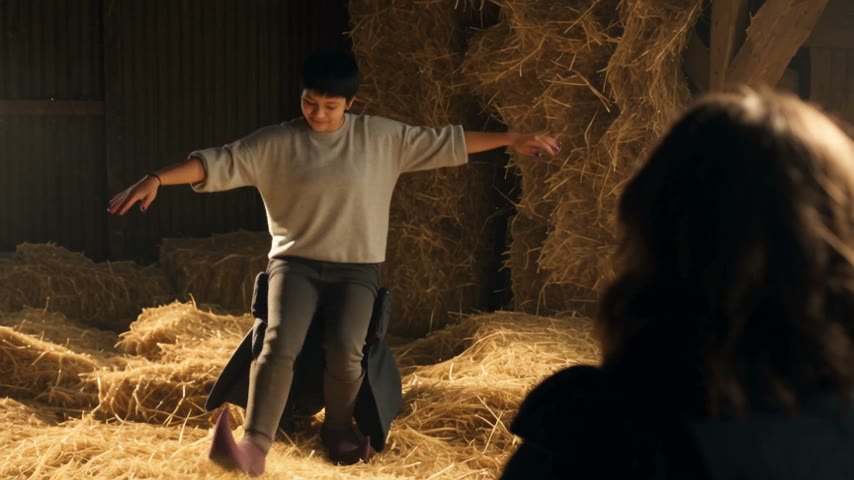
Upload one photo and you lip-sync the viral "Prada Prada Prada" trend: horns in your bedroom, two white panels pushed shut, then a hard cut to a night street in a black leather jacket — with the trend sound.

  • One photo
  • Leather jacket added
  • No prompt, no editing
  • 15 s · 4:3 · with the trend sound
  • Failed renders refunded
  • No subscription, credits never expire
  • Secure checkout with Stripe

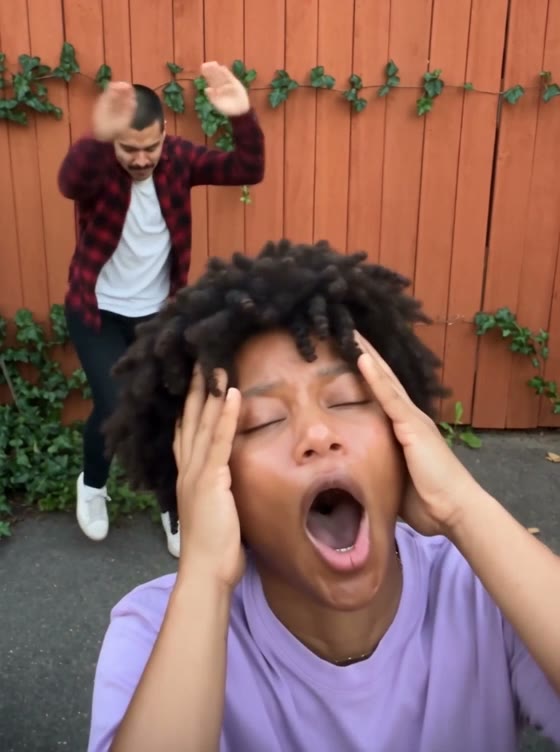
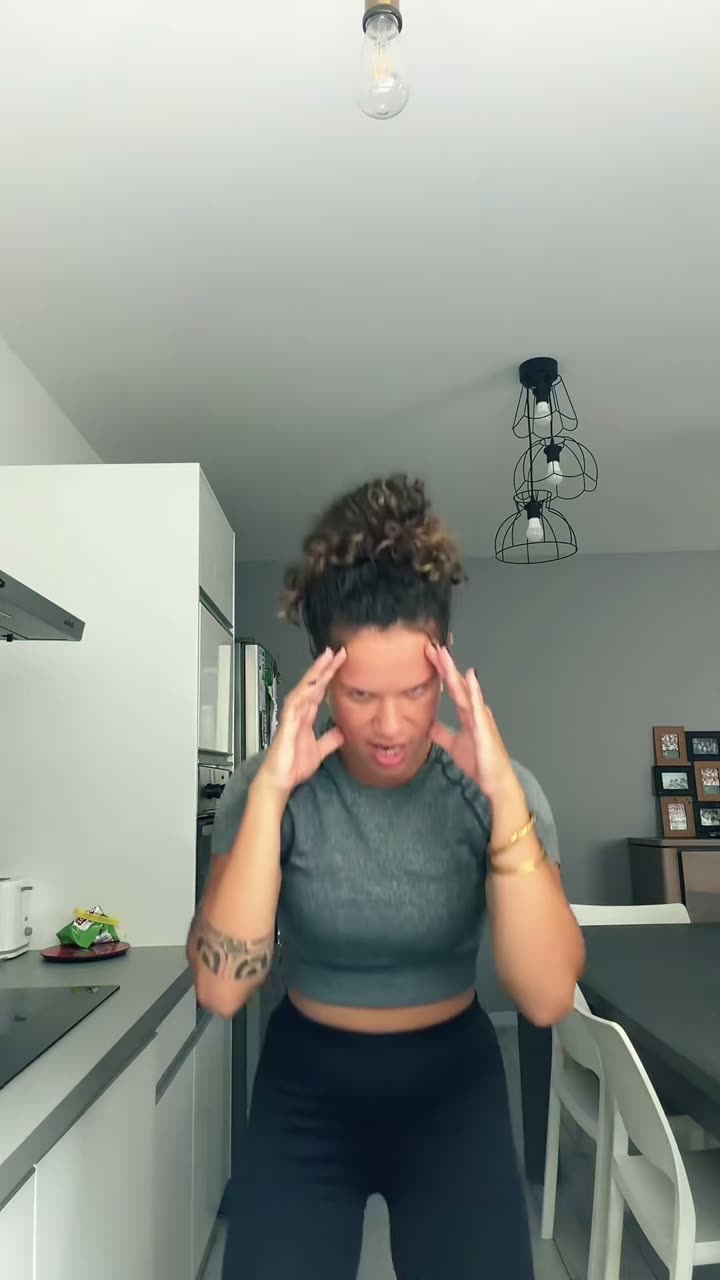
The trend clip the template follows. Tap “Try sample photos” to see it redone with one AI photo.

JPG, PNG or WebP · under 20 MB · one clear, front-facing face0/1 photos

Use everyday photos of yourself or friends (with their consent). Photos of politicians, celebrities or other public figures, and film or MV stills, won't pass review.

Photo blurry or too small? Sharpen it free with Lumenfix →

Photos of politicians, celebrities or other public figures aren't allowed: they raise likeness-rights and legal issues and are rejected in review. Only use photos of yourself or friends who agreed to be featured.

Devil Wears PradaNew
Version
Video quality
15 credits for this video

Only upload photos of people who agreed to be featured.

Devil Wears Prada at a glance

Devil Wears Prada Trend AI puts one photo into the viral "Prada Prada Prada" transition: a bedroom lip-sync with finger horns, two white panels pushed shut, and a hard cut to a night street in an oversized black leather jacket. 15 seconds, 4:3, with the trend sound.

Photos
1 photo
Length
About 15 seconds
Format
4:3 MP4
Quality & price
Premium 480p 30 · 720p 60 · 1080p 105 credits; Balanced from 15
Sound
Original song included, synced
Watermark
None
Render time
Usually a few minutes
If it fails
Credits refunded automatically

Last updated

What is the Devil Wears Prada trend?

The Devil Wears Prada trend is a two-part transition video. You lip-sync at home in a plain top, make little devil horns with your fingers, push two white panels shut on the beat, and the cut lands you on a windy night street in an oversized black leather jacket. The joke is the contrast, not the outfit.

This template makes the whole thing from one photo. The video follows a depth map of the trend clip, so the horns, the panels and the hard cut land where they do in the original; your face and hair come from your photo, and the jacket is added for the second half. No filming twice, no editing.

What the template recreates

Both halves of the 15-second clip, with the cut on the same beat as the original.

  1. 0–5 s

    At home

    A selfie lip-sync in a warm bedroom: a hair flip, finger horns, hands dancing to the beat.

  2. 5–9.3 s

    The panels close

    Two white panels slide in from the sides and get pushed shut, beat by beat, until only your face shows.

  3. 9.3–12.5 s

    The cut

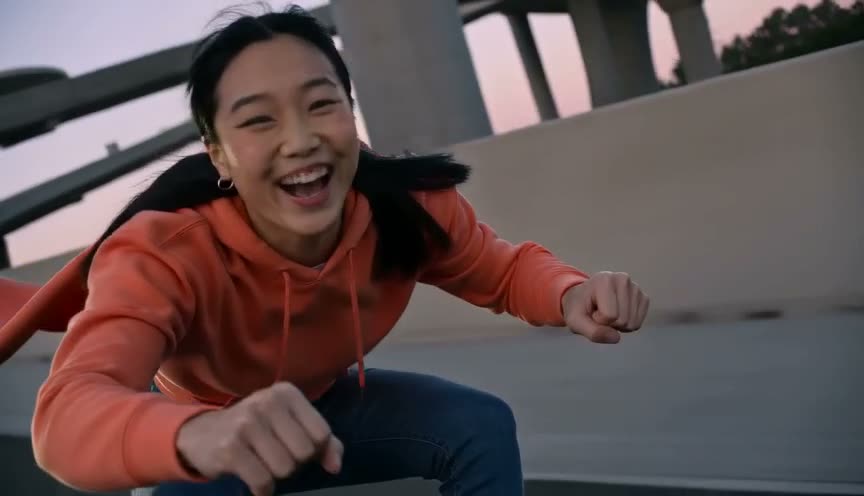
    A hard cut to a night street by a glass office building, wind in your hair, leather jacket on.

  4. 12.5–15 s

    Night out

    Still lip-syncing: a hand through the hair and a pose for the camera to finish.

Where the Devil Wears Prada trend came from

The trend grew out of Russian-language TikTok and Reels in autumn 2026, set to a DJ mashup that people call the "Prada Prada Prada" sound. Creators filmed the same two shots — home in a T-shirt, then out at night — and the panel transition became the signature move.

By October it had spread to English-speaking feeds, and AI versions let people do it without filming the night shot at all. You'll see it called the Devil Wears Prada trend, the Prada trend or the Prada transition.
What it has to do with the film

The name nods to The Devil Wears Prada, whose sequel came out in 2026 and put the film back in everyone's feed. The trend doesn't recreate any scene from the films; it borrows the title for the "plain to put-together" glow-up.

Our video shows the person from your photo in two generated sets. It contains no film footage, no actors and no brand logos.

apt video ai is an independent tool, not affiliated with or endorsed by 20th Century Studios, the makers of The Devil Wears Prada, Prada, or the trend's creators.

Make yours in three steps

  1. 01

    Add one photo

    One person, face clearly visible, waist-up or chest-up. The top you're wearing is the at-home look.

  2. 02

    Pick a version and generate

    Premium renders 480p for 30 credits, 720p for 60 and 1080p for 105; Balanced starts at 15. Photos are reviewed first and failed renders are refunded automatically.

  3. 03

    Download or share

    The clip comes with the trend sound. Download the MP4, or share it straight to TikTok, Reels or Shorts from your phone.

Get a better result from the first upload

One person, face to the camera

A front-facing selfie works best: the whole clip is filmed like a front-camera video.

Bright, even light

Good light keeps your face the same in the warm bedroom and on the night street.

Your hair stays yours

Length and colour follow your photo; only the wind messes it up after the cut.

Your top is the before

A plain T-shirt or top reads best as the at-home look. The leather jacket goes over it after the cut.

Nothing covering the face

No sunglasses, masks or hands over the face — the lip-sync needs your mouth and eyes visible.

Use photos you're allowed to use

Photos of yourself, or adult friends who agreed to it. Photos of celebrities or other public figures won't pass review.

More viral templates

Same idea, a different trend. Every template keeps the original moves and adds the song.

FAQ

Your turn for the Prada glow-up

One photo, a few minutes, and you're on the night street.