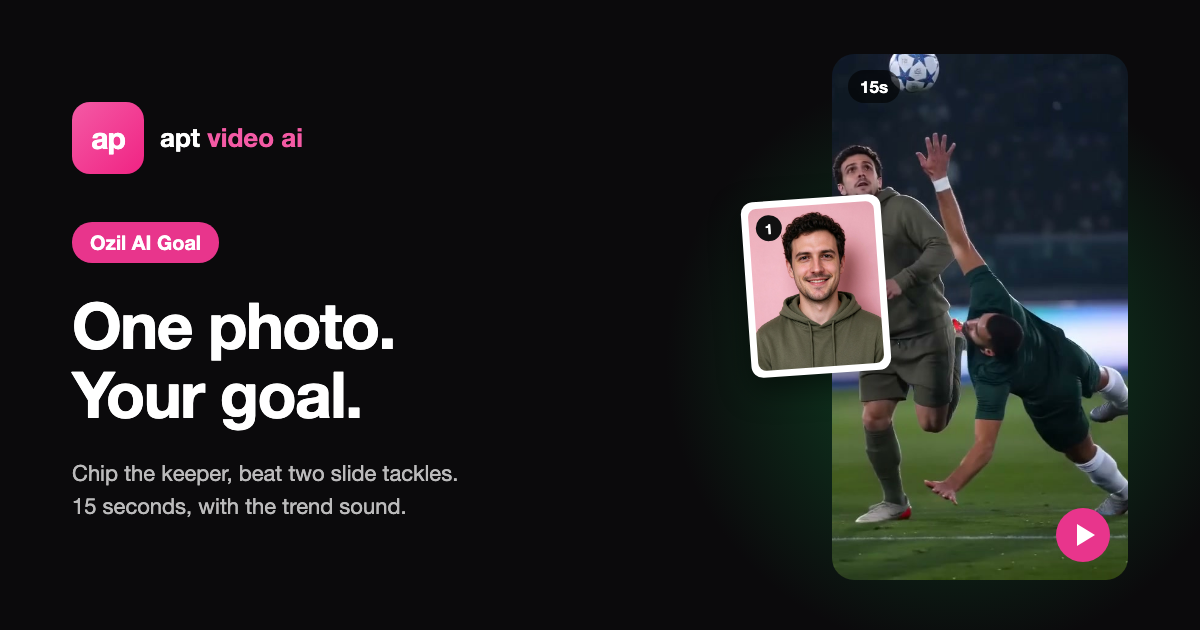
Someone runs at the camera with the ball, chips it over a diving goalkeeper, chests it down, lets two defenders slide past and rolls it into the net — under stadium floodlights, in a hoodie. That's the Ozil AI goal, and here's how to put yourself in it from one photo.
Our sample, made from one AI-generated photo. Upload yours and you're the one scoring.
What is the Ozil AI goal trend?
It's an AI remake of one of Mesut Özil's most famous goals, with someone new in his place. The first viral version was posted on TikTok on October 9, 2026 by a Brazilian account: a Minecraft villager scoring the goal in slow motion, set to a French song. It passed 3.8 million views within days. From October 10, CapCut templates and "how to make the Ozil AI video" tutorials spread in English, Spanish, Portuguese and Arabic, and people started casting themselves, their friends, their dads and their favourite characters.
You'll see it called the Ozil AI goal, Ozil goal AI, the Ozil bounce or the Ozil goal template — it's the same trend.
Which Özil goal is it?
His late winner for Arsenal away at Ludogorets in the Champions League group stage on November 1, 2016. Arsenal had been 2–0 down and won 3–2. Through on goal, Özil lifted the ball over the onrushing goalkeeper, waited for it to drop, let two defenders throw themselves past him and rolled it into the empty net. The beats everyone copies:
- The run at the lens: dribbling straight at the camera, ball close, arms out.
- The chip: the keeper flies in and the ball goes up over his head.
- The chest control: running on under the ball and bringing it down.
- Two slide tackles: one defender, then another, both left sliding on the grass.
- The finish: clear at last, the shot, the camera swinging to the net.
How to make the Ozil AI goal video in 3 steps
- Upload one photo. One person, face clear, good light. A full-body or waist-up photo works better than a close selfie — the model needs your build for the run and the shot.
- Pick a version and quality. Every version renders the whole 15-second clip. Balanced (Seedance 2.0 Fast) at 480p or 720p is the cheapest; Premium (Seedance 2.5) adds 1080p and sharper detail.
- Generate and download. Your photo is reviewed, then the video renders in a few minutes. You get a vertical 9:16 MP4 with the trend sound and no watermark, ready for TikTok, Reels or Shorts.
What will I be wearing?
The clothes from your photo — that's the joke. An ordinary person in a hoodie, a work shirt or a dress beating a keeper is funnier than another footballer in a kit. Football boots are added, and anything you can't see in the photo is generated to match. If you want a kit, upload a photo of yourself wearing one.
The opponents always wear a plain green kit with no numbers, names or badges, and the stadium is generated, so nobody in the clip is a real player. Our video doesn't use any match footage.
Which photo works best?
- One person per photo. Crop group shots to the one you mean — two faces can blend.
- Face sharp and forward, eyes visible. Front or three-quarter views work best.
- Show the body. Full length is ideal; waist-up is fine.
- Bright, even light keeps skin tone and features steady under the floodlights.
- Nothing over the face: no sunglasses, masks or caps pulled low.
Photos of footballers, politicians, celebrities or other public figures don't pass review. Only use photos of yourself or people who agreed to appear — half the fun is casting your dad, but ask him first.
What does it cost?
Every video's price is shown before you generate, and every version makes the full 15 seconds. Balanced costs 15 credits at 480p and 25 at 720p. Premium costs 30 credits at 480p, 60 at 720p and 105 at 1080p — and each account's first full 480p video costs just 20 credits, so the $9.90 pack (20 credits) covers it. There's no subscription, and credits come back automatically if a render fails or a photo is rejected.
Posting your video
The trend sound is already in the MP4, synced to the picture. When you post, TikTok or Instagram may match it to the original sound. Label the video as AI-generated, as the platforms ask, and add the trend's hashtags: #OzilGoal #OzilAIGoal.
apt video ai is an independent tool, not affiliated with or endorsed by Mesut Özil, Arsenal, Ludogorets, UEFA or the trend's creators.
Read more
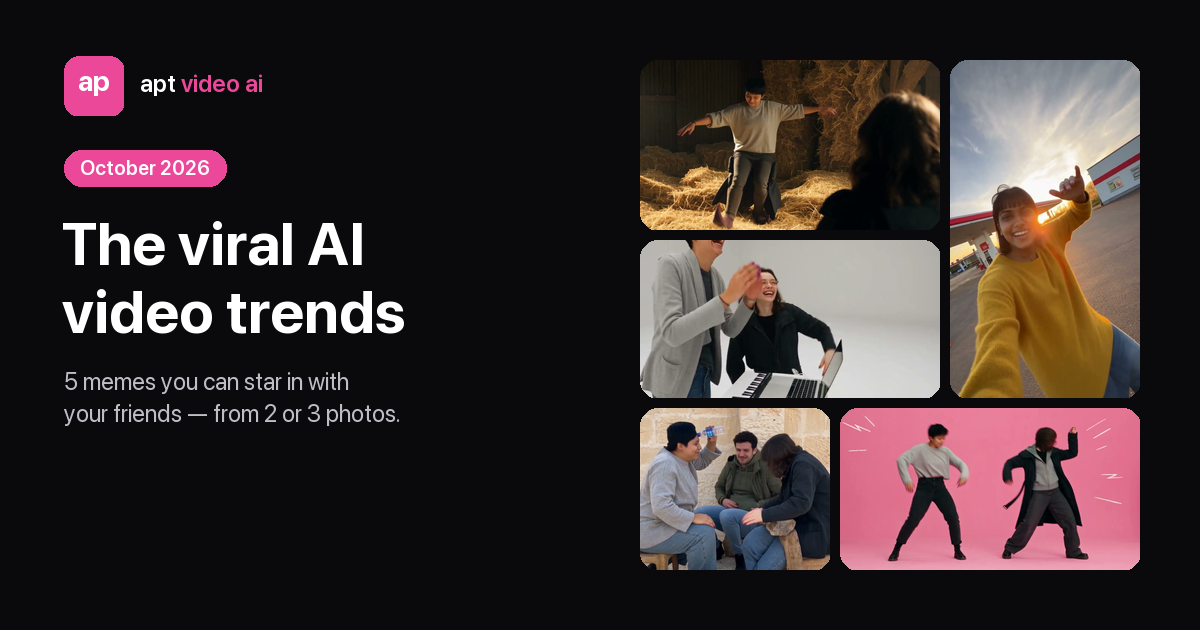
CapCut Templates vs AI Trend Videos: When a Template Isn't Enough (2026)
CapCut templates, Dreamina prompts and photo-to-trend generators all promise the viral clip. We explain how each works, when each one wins, and which current trends have a CapCut template at all — checked October 14, 2026.
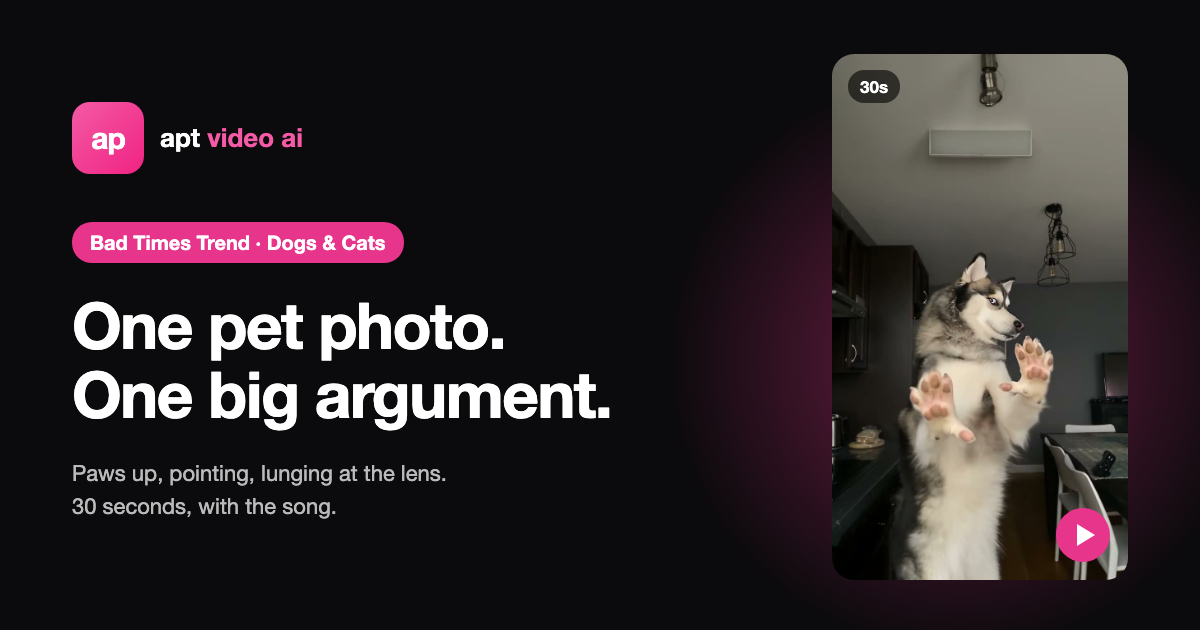
Viral TikTok Trends Your Dog or Cat Can Do With AI (From One Photo)
Four viral video trends that take a photo of your pet instead of a person — the Bad Times argument, the husky version, the Bulin 47 freestyle and the Smalltown Boy scream duo — with what each one looks like, how many photos it needs and what it costs.
How to Make the Bad Times Trend Toddler Video From a Photo of Your Child
The toddler version of the BAD TIMES argument trend, step by step: what the toddler take is, who may upload a child's photo, which photo works, privacy, and what it costs.