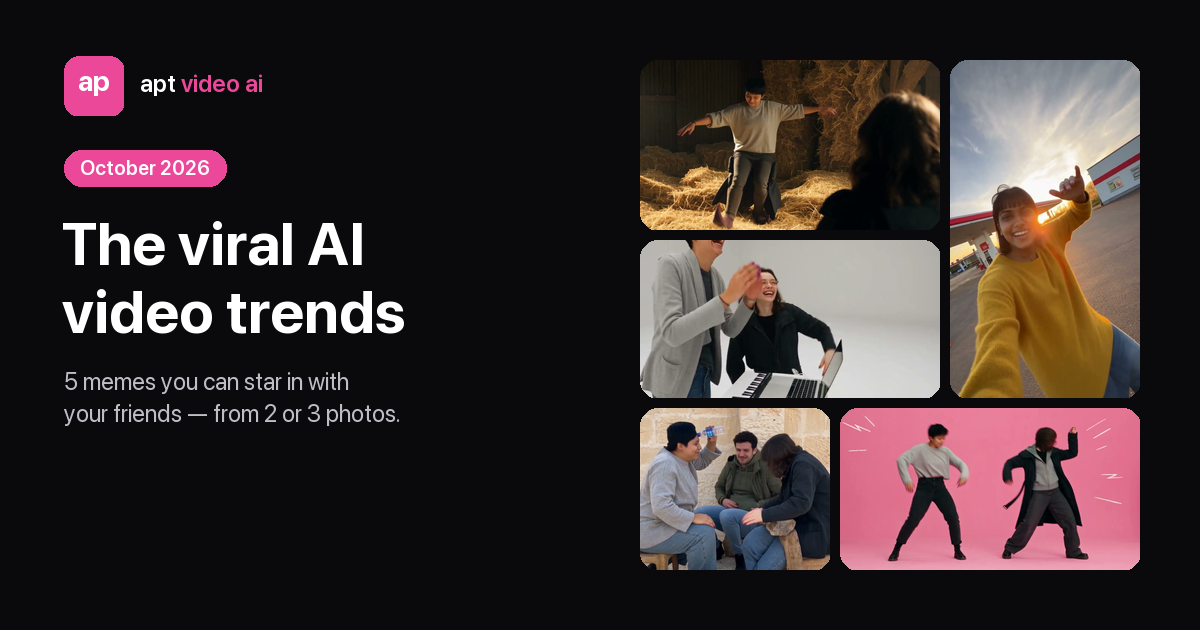
Disclosure: we make apt video ai, one of the three approaches below. Facts about CapCut and Dreamina come from their own pages and from Google results we checked on October 14, 2026.
When a clip goes viral, the first thing most people search is "[trend] capcut template". Sometimes that's exactly right. Sometimes the template doesn't exist yet, can't do what the trend needs, or only gets you a few seconds of someone else's edit. Here's how the three ways of making a trend video differ, and when each one wins.
The short answer
- You want it free, fast, and you already edit in the app: a CapCut template.
- You want to invent your own scene with the newest AI models: Dreamina, CapCut's AI video generator.
- You want the real trend — same moves, same camera, the song — starring you, your friends or your pet, from photos, in a browser: a photo-to-trend generator like apt video ai.
Three ways to make a trend video
1. A CapCut template
A template is someone else's finished edit: cuts, effects, text and audio, with slots for your media. Many trend templates are shared on TikTok and open in the CapCut app, including newer AI-effect templates that take a selfie. They're free and quick. The catch: what the template can do depends entirely on whoever built it, it usually lives inside the app, and for brand-new trends there may be no template yet.
2. A text prompt in Dreamina
Dreamina is the AI video generator in the CapCut family. You describe a scene and a model such as Seedance 2.5 renders a new clip — about 10 seconds per generation on its plans. It's the most flexible option, but the moves come from your words, not from the trend clip, so you get something in the spirit of the trend rather than the routine people recognise. Plans start at $15 a month, with daily free credits; watermark removal is listed as a paid perk.
3. A photo-to-trend generator
You pick the trend, upload one to three photos, and the clip follows the original's moves and camera. apt video ai does this with a depth map of the real clip — it carries only movement and camera, while your photos supply faces, hair, outfits and even the room — and adds the song. No prompt, no editing, no app, and pets work on several templates. It's paid: from 10–15 credits for a highlight, with packs from $9.90.
Side by side
| CapCut template | Dreamina | apt video ai | |
|---|---|---|---|
| Starting point | A finished edit with media slots | A text prompt | The trend's real clip + your photos |
| Where you make it | Mostly the CapCut app | Browser | Browser |
| Moves match the trend | Depends on the template | No — improvised from the prompt | Yes — follows the original motion |
| You or your pet performs | Depends on the template | If you prompt for it | Yes; pets on several templates |
| Song | The template's audio | Add it while editing | The trend's song, synced |
| Length | Set by the template | About 10 s per generation | The trend's full length, or a 15 s highlight |
| Price | Free | From $15/month; daily free credits | Packs from $9.90; first full video 20 credits |
Which trends have a CapCut template? (October 14, 2026)
We searched Google for "[trend] capcut template" for the trends on this site:
| Trend | CapCut template in the results? | Make it from photos |
|---|---|---|
| Bad Times (argument) | No — only unrelated "my time is bad" templates | Bad Times AI |
| Burning Bridges ("Where she at?") | No — only unrelated "she goes by" templates | Burning Bridges AI |
| Ozil AI goal | Yes — templates shared on TikTok, plus a Dreamina prompt page | Ozil AI goal |
| Smalltown Boy | Yes — a template dated October 2026 | Smalltown Boy AI |
| Toc Toc dance | Yes — "Pioneer" templates shared on TikTok | Toc Toc AI |
| Rumpelstiltskin tiptoe | Yes — tiptoe templates, including ones that drop the gnome into your background | Rumpelstiltskin AI |
| Gas Station Dance | Yes — plus a Dreamina guide | Gas Station Dance AI |
| Alors on danse | Yes — including one from July 2026 | Alors on danse AI |
| Bulin 47 freestyle | AI presets shared on TikTok | Bulin 47 AI |
Templates come and go daily, so treat this as a snapshot.
When a template isn't enough
- The trend is a performance, not an edit. Bad Times, Burning Bridges and Smalltown Boy are about someone acting out a routine to camera. A template can frame your photo; it can't make you do the routine.
- You want your pet in it. A dog standing up to argue with the camera needs a model that knows the moves, not a cut list.
- You want the full clip with the song. Templates often run a few seconds; the trend itself might be 20 or 30.
- You're not on the app. A browser tool works on any phone or laptop.
And when a template is enough — a quick edit, free, inside an app you already use — use the template.
FAQ
Is there a free alternative to CapCut templates for AI trend videos? Dreamina gives daily free credits for prompt-based clips (watermark removal is a paid perk). apt video ai is paid, from $9.90, but follows the trend's real moves and never adds a watermark.
Can I make a TikTok trend video without downloading CapCut? Yes. Dreamina and apt video ai both run in the browser.
Why can't I find a CapCut template for a new trend? Templates are made by users and appear after a trend takes off. A photo-to-trend generator only needs the original clip, so new trends can arrive within days.
Do AI trend videos have watermarks? It depends on the tool. Dreamina lists watermark removal as a paid perk; apt video ai videos have no watermark at any quality.
Read more
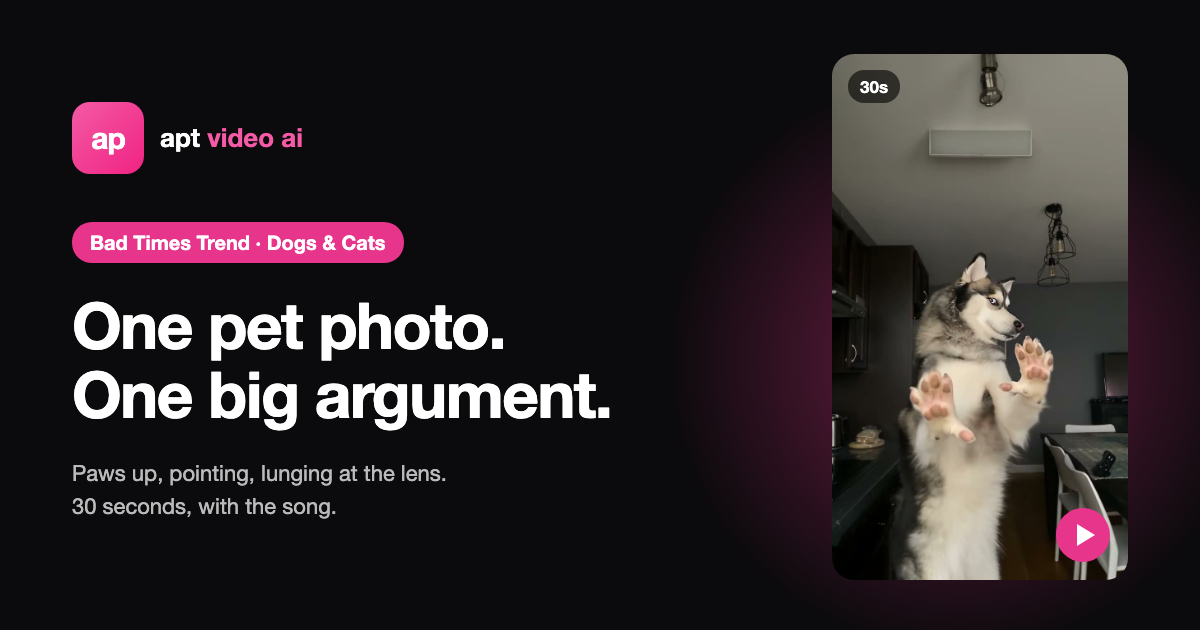
Viral TikTok Trends Your Dog or Cat Can Do With AI (From One Photo)
Four viral video trends that take a photo of your pet instead of a person — the Bad Times argument, the husky version, the Bulin 47 freestyle and the Smalltown Boy scream duo — with what each one looks like, how many photos it needs and what it costs.
How to Make the Bad Times Trend Toddler Video From a Photo of Your Child
The toddler version of the BAD TIMES argument trend, step by step: what the toddler take is, who may upload a child's photo, which photo works, privacy, and what it costs.
How to Make the Bad Times Trend With Your Dog or Cat (From One Photo)
The pet version of the BAD TIMES argument trend, step by step: where the husky version came from, which pet photo works, what your dog or cat will (and won't) do in the video, the song, and what it costs.