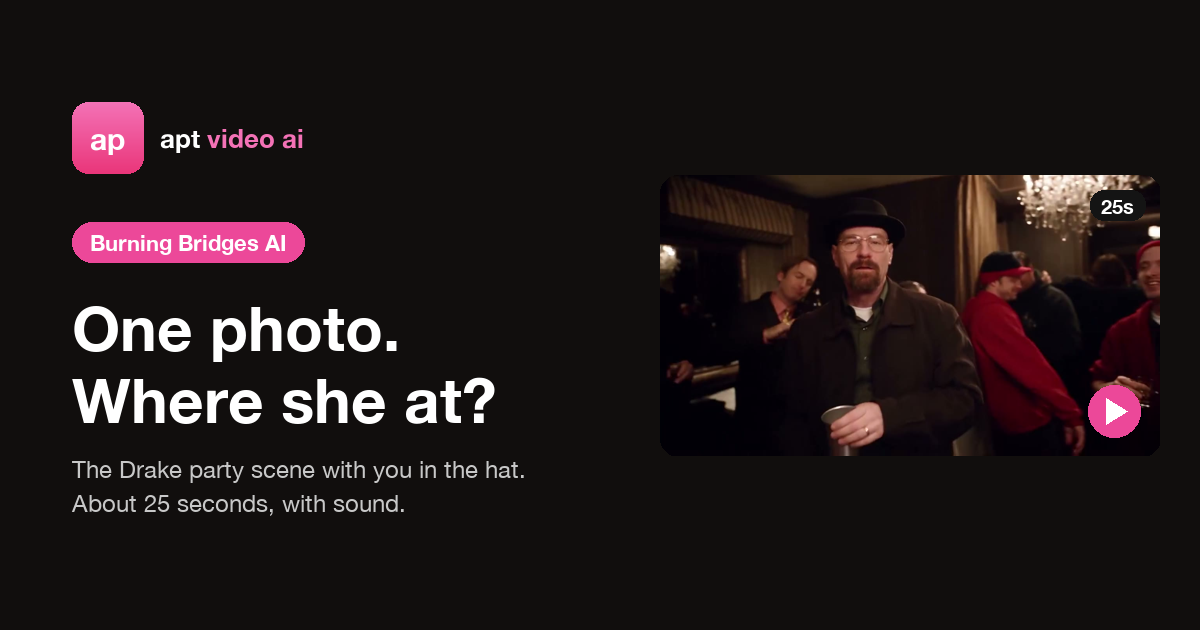
Black hat, silver cup, a packed room under crystal chandeliers, and one hand raised over the eyes: "Where she at? Where she at?" If that's all over your feed, you've met the Burning Bridges trend. Here's what it is, where it comes from, and how to make a version starring you from a single photo.
The original trend clip. Our template keeps these moves, this camera and this timing, and puts you under the hat.
What is the Burning Bridges AI trend?
The trend recreates the party scene from Drake's "Burning Bridges": a handheld camera in a crowded private dining room, the lead in a black hat and dark coat with a steel cup, pointing at the lens, grabbing his collar and then putting a flat hand over his eyes to scan the room on the "Where she at?" line.
People use it as a reaction for any moment of looking for someone (or something) who should be there:
- The friend who said "just one drink" and disappeared.
- Group projects: the teammate who never shows up.
- Monday mornings: looking for your motivation.
The AI version swaps the lead for you while the room, the moves and the timing stay the same.
What song is it?
It's "Burning Bridges" by Drake, from his album Iceman, released on May 15, 2026. The repeated "Where she at?" line is the part everyone acts out. The "Where she at?" GIF got so popular that Instagram reportedly pulled it from its GIF picker in June, but the clip has kept spreading on TikTok and Reels.
How to make the Burning Bridges AI video
- Open the Burning Bridges template.
- Add one photo. One person, face sharp and front-facing, upper body in frame. You don't need a prompt.
- Pick a quality and generate. Your photo is reviewed first, then the render takes a few minutes. The clip is about 25 seconds in 16:9. If your photo isn't approved or the render fails, the credits come back automatically.
- Download or share. The video comes with the song, synced to the picture. On a phone you can send it straight to TikTok, Reels or Shorts.
What the template recreates
| Time | Beat |
|---|---|
| 0–7 s | Leaning into the lens with the cup raised, finger guns, the collar grab |
| 7–13 s | Turning to the crowd, pointing at friends, arm stretched across the room |
| 13–19 s | "Where she at?": a flat hand over the eyes, scanning left and right |
| 19–25 s | The camera pulls back, one last look, a wave and the walk into the party |
The black hat, dark coat and silver cup come with the template, because that's the meme. Your face, the hair under the hat, glasses and facial hair follow your photo.
Photo tips
- Sharp and front-facing. The clip opens with a close-up right in the lens.
- Even light, no heavy filters. The party is lit warm and low, and a clean photo keeps your skin tone steady.
- Nothing over the face. No sunglasses, masks or hands.
- Expect one quick blink. When your hand covers your eyes during "Where she at?", the model rebuilds your face as it moves away. A clear photo keeps that moment short.
- Use your own photos, or friends who agreed to it. Celebrity photos and film or music video stills won't pass review.
Is it free? What does it cost?
Signing up, uploading and watching the motion reference are free. Each render costs credits: 20 for 480p, 45 for 720p and 80 for 1080p, with the song included and no watermark. Credit packs don't need a subscription.
Caption ideas
- "Me looking for the friend who said "just one drink""
- "Me at the group project meeting: where she at?"
- "Me looking for my motivation on Monday"
- "Me when the waiter brings everyone's food but mine"
Add #BurningBridges and #WhereSheAt so people who know the meme can find it.
Ready to take over the party?
Read more
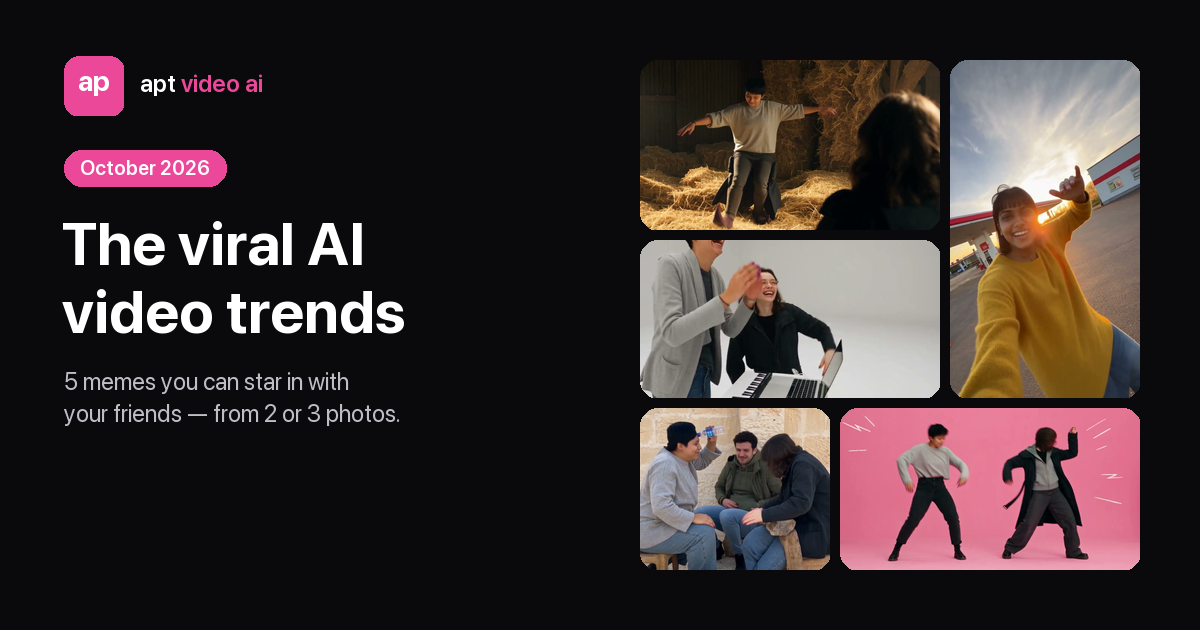
The Viral AI Video Trends of October 2026 — and How to Make Each One With Friends
The four AI video memes everyone is recreating this month — Rumpelstiltskin, Gas Station Dance, Alors on danse and APT. — what each looks like, who it's for, and how to star in it from two or three photos.
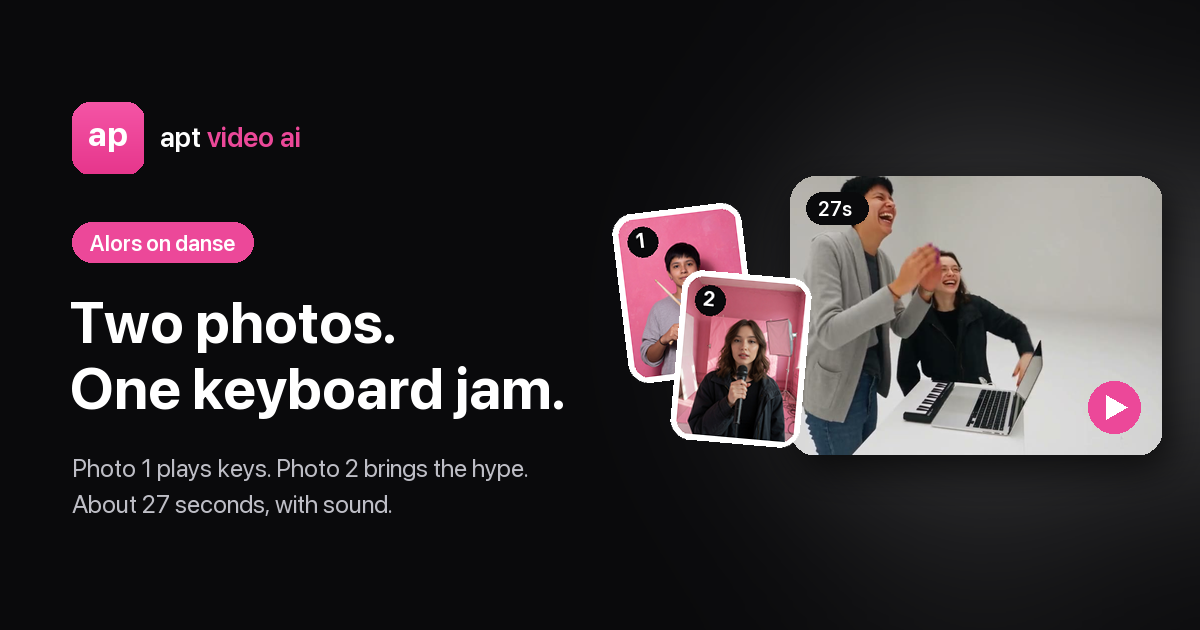
Alors on danse Meaning, Song and Meme: Why Stromae's Hit Is Trending Again
What "Alors on danse" means in English, what Stromae's song is about, when it came out, why the white-studio keyboard meme is everywhere — and how to make your own version with a friend.
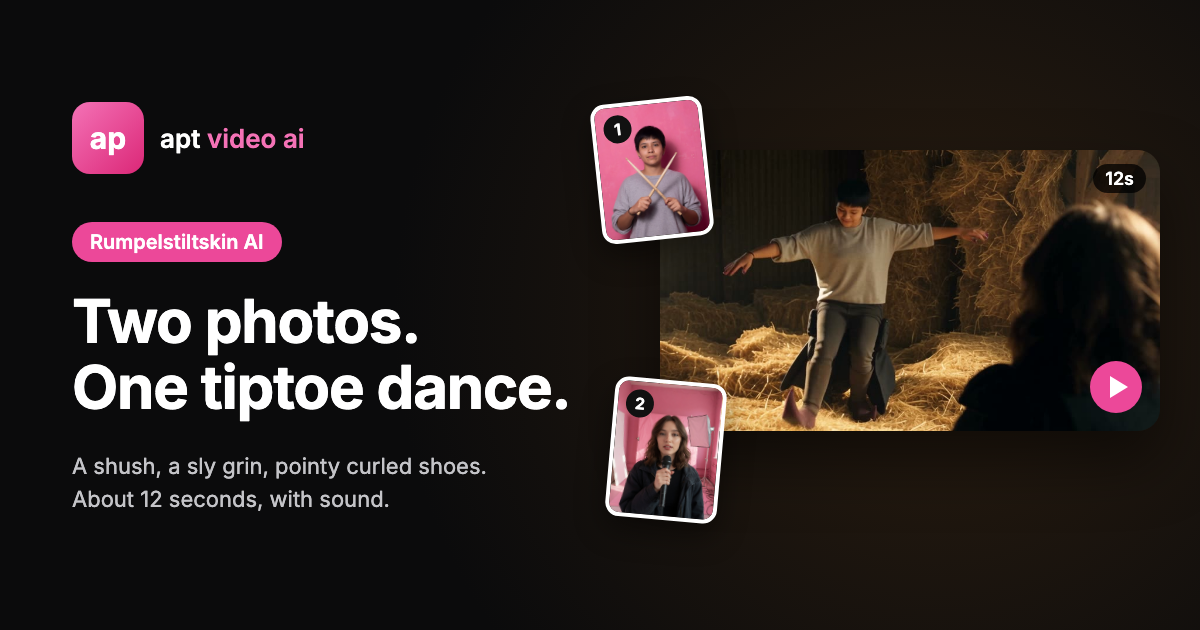
The Rumpelstiltskin Meme Explained: Origin, Song and How to Make Your Own
What the tiptoeing Rumpelstiltskin gnome meme is, where it came from, which song it uses, whether it's from a real movie — and how to star in your own version with a friend.